


Yo, what's up tech enthusiasts! I'm a supplier of 36 Pin SCSI Cables, and I've been getting a ton of questions lately about whether these cables can support hot - swapping. So, I thought I'd dive deep into this topic and share everything I know.
First off, let's quickly go over what hot - swapping is. For those who aren't in the know, hot - swapping is the ability to add or remove a device from a system while it's still up and running. It's super convenient, especially in data centers or other environments where downtime can cost a fortune. You don't have to shut down the whole system just to change a drive or something.
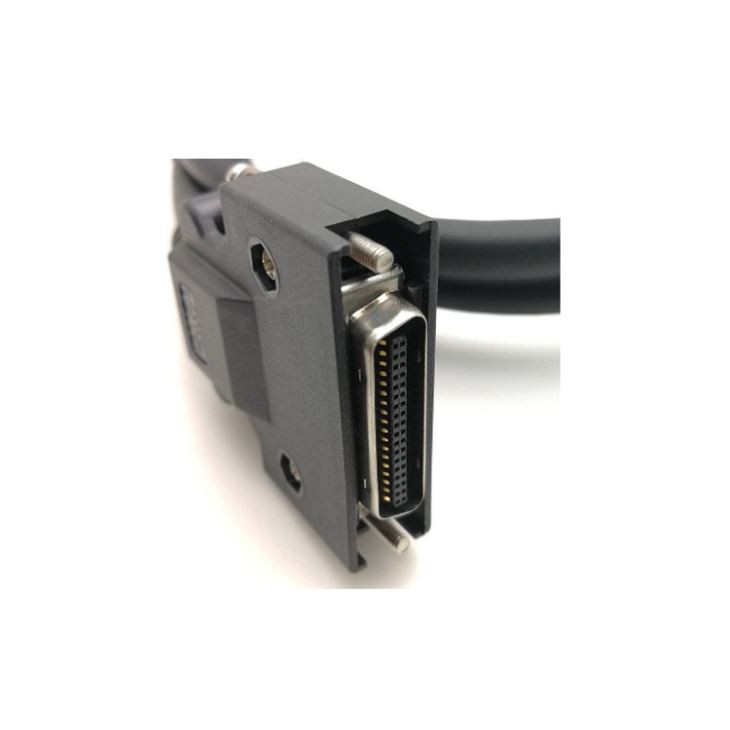
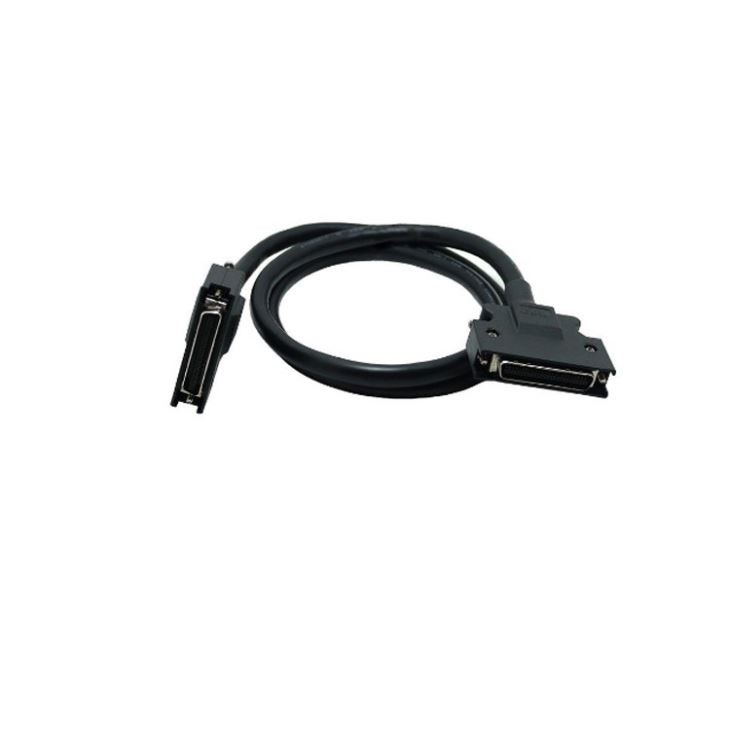
Now, let's talk about 36 Pin SCSI Cables. These cables are used in a variety of applications, from connecting hard drives to other storage devices. They're known for their reliability and the ability to transfer data at a decent speed. We offer different types of 36 Pin SCSI Cables, like the 36 Pin MDR Cable Assembly, the HPCN 36 Pin Male To Male SCSI Cable, and the SCSI CN 36 Pin Servo Breakout Board Cable. Each of these has its own unique features and uses, but the big question is, can they handle hot - swapping?
The short answer is, it depends. SCSI itself has some support for hot - swapping, but it's not a one - size - fits - all situation. Older SCSI standards might not have been designed with hot - swapping in mind. Back in the day, the focus was more on stable data transfer and compatibility with different devices. So, if you're using an older 36 Pin SCSI Cable with an outdated SCSI device, hot - swapping might be a no - go.
However, with the newer SCSI standards, things have changed. Modern SCSI devices and cables are more likely to support hot - swapping. They have better protection mechanisms to prevent damage when a device is added or removed while the system is running. For example, they might have built - in circuits that can detect when a device is being connected or disconnected and adjust the power and data flow accordingly.
But even with the newer tech, there are still some factors to consider. One of the main issues is power. When you hot - swap a device, there can be a sudden surge or drop in power, which can potentially damage the cable or the connected devices. To avoid this, it's important to make sure that the power supply in your system is stable and can handle the load. Some high - end 36 Pin SCSI Cables are designed to handle these power fluctuations better, but it's still something you need to keep an eye on.
Another factor is the device itself. Not all devices that use 36 Pin SCSI Cables are hot - swap capable. Even if the cable can handle it, the device might not be able to. For instance, some older hard drives might not have the necessary firmware or hardware to support hot - swapping. So, before you start hot - swapping, you need to check the specifications of both the cable and the device.
Let's talk about the benefits of hot - swapping with 36 Pin SCSI Cables. If you can get it to work, it can save you a lot of time. In a data center, for example, you can replace a faulty drive without shutting down the whole system. This means less downtime and more productivity. You can also easily upgrade your storage devices without having to go through the hassle of shutting everything down and then powering it back up.
On the flip side, there are some risks involved. As I mentioned earlier, power surges can damage the cable and the devices. There's also a risk of data corruption if the hot - swapping isn't done correctly. If the cable isn't properly seated or if the device isn't recognized by the system during the hot - swap process, you could end up losing data.
So, how can you tell if your 36 Pin SCSI Cable can support hot - swapping? The first thing you should do is check the documentation that came with the cable and the device. It should clearly state whether hot - swapping is supported. If you don't have the documentation, you can usually find the information online. Look for the manufacturer's website and search for the product specifications.
If you're still not sure, you can always test it out in a safe environment. Before you try hot - swapping in a production system, set up a test system with the same cable and device. Try adding and removing the device while the system is running and see how it goes. Make sure you have a backup of any important data just in case something goes wrong.
As a 36 Pin SCSI Cable supplier, I want to make sure that our customers have all the information they need. We're always here to answer any questions you might have about our products, including hot - swapping. If you're in the market for a 36 Pin SCSI Cable and you're interested in hot - swapping, we can help you choose the right one for your needs.
Whether you're a small business owner looking to upgrade your storage or a large data center manager in need of reliable cables, we've got you covered. Our 36 Pin MDR Cable Assembly, HPCN 36 Pin Male To Male SCSI Cable, and SCSI CN 36 Pin Servo Breakout Board Cable are all high - quality products that are designed to meet your requirements.
If you're interested in learning more or want to discuss your specific needs, don't hesitate to reach out. We're happy to have a chat and help you find the best 36 Pin SCSI Cable for your situation.
In conclusion, while 36 Pin SCSI Cables can potentially support hot - swapping, it's not a guaranteed thing. You need to consider the SCSI standard, the device, and the power supply in your system. But with the right setup and precautions, you can take advantage of the benefits of hot - swapping and make your storage management more efficient.
References
- General knowledge of SCSI technology and hot - swapping concepts from industry experience.
- Product specifications and documentation provided by SCSI device and cable manufacturers.